
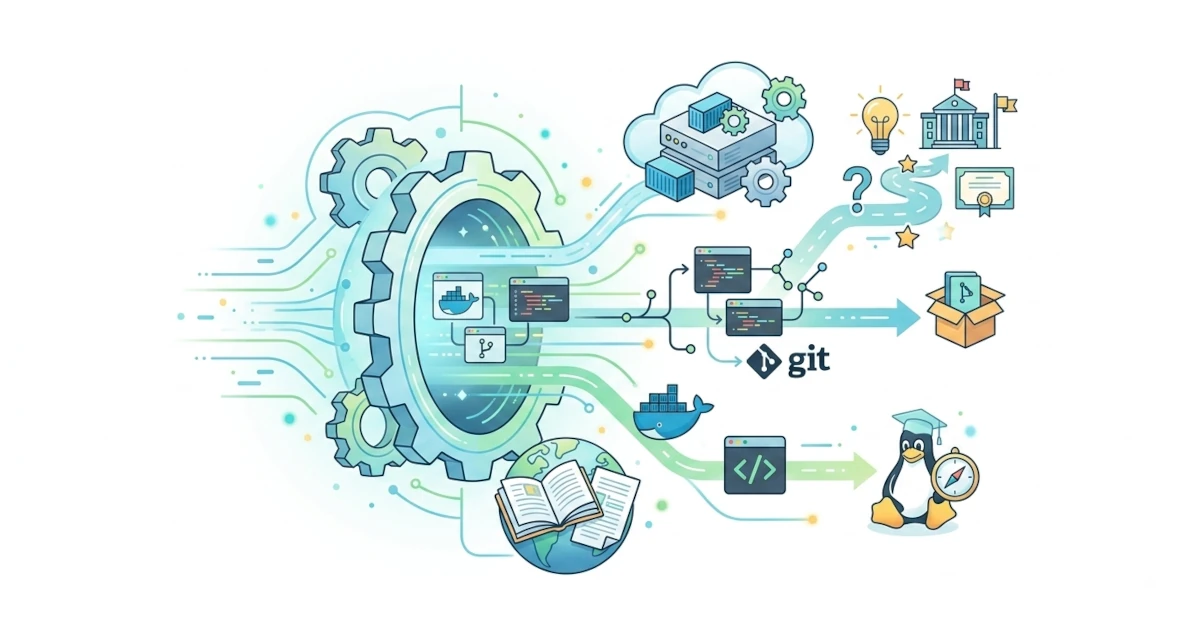
Congratulations, we have completed the Linux 101 journey together. From learning basic concepts, installing the system, exploring the desktop, to mastering the command line and managing the system, we now have a solid foundation for using Linux every day. This concluding chapter summarizes what we have learned and points out the pathways we can take next, whether for software development, a career in tech, or deeper Linux exploration.
43.1 Journey Recap: What Has Been Learned
Throughout this series, we have learned various topics step by step. In the early sections, we got to know what Linux is, its history and philosophy, and its underlying components. We then learned how to install Ubuntu 26.04 LTS and Fedora Workstation 44, both on virtual machines and bare-metal hardware.
After that, we explored the GNOME 50 desktop, configured the system, and understood file concepts as well as directory structures. The middle section of this series brought us deeper into the terminal: navigation, file management, users and permissions, package management, up to process and service management. We also studied networking, basic security, hardware and drivers, troubleshooting, and personalizing the system to fit our respective needs.
43.2 Linux for Software Development
One of Linux's greatest strengths is its exceptional support for developers. As a programmer or aspiring programmer, you will find Linux to be an extremely comfortable workspace because almost all development tools are available directly from the terminal.
43.2.1 Git and Version Control
Git is a version control system that has become the industry standard. Through Git, we can track code changes and collaborate with other developers. Install Git via your distro's native package manager.
sudo apt install giton Ubuntu, or
sudo dnf install giton Fedora. Once installed, we can start learning basic commands such as git init, git add, git commit, and git push.
43.2.2 Development Environment
Linux offers a complete set of editors and development tools, ranging from lightweight text editors like VS Code to full-featured IDEs like JetBrains (distributed via JetBrains Toolbox or Flatpak). Compilers and interpreters for various programming languages, such as Python, C, and JavaScript, are easily available through the package manager.
43.2.3 Docker, Podman, and Containers
Docker allows us to run applications inside isolated and consistent containers. Containers are widely used for modern application development and deployment. Note that the recommended way to install Docker differs between the two distros.
- On Ubuntu, the
docker.iopackage is indeed available in the default repository, but its version often lags significantly behind the latest release because its updates follow Ubuntu's release cycle rather than Docker's. The recommended method is to add the official Docker repository (download.docker.com) and then installdocker-ce,docker-ce-cli,containerd.io, alongside thedocker-buildx-pluginanddocker-compose-plugin. Once installed, add your user to thedockergroup (sudo usermod -aG docker $USER, then log out and log back in) so thatdockercommands can be run withoutsudo. Keep in mind that in practice,dockergroup membership is equivalent to root access on the system, so avoid adding users to this group carelessly on shared machines or production servers. - On Fedora, the default container engine installed out of the box is not Docker, but Podman. Podman is daemonless and supports rootless mode natively, using a command-line syntax nearly identical to Docker (
podman run,podman ps,podman build, and so on), so your Docker knowledge remains fully applicable. If you wish to use thedockercommand directly on Fedora, install thepodman-dockercompatibility package, which setsdockeras an alias forpodman.
43.3 Deepening Knowledge in Command Line and Shell Scripting
If you want to become even more productive in Linux, the next step is to dive deeper into the command line and shell scripting. Through shell scripting, we can automate repetitive tasks, manage systems efficiently, and build small custom tools. The Linux Command Line by William Shotts is a highly recommended reference and is available for free online.
43.4 Moving Toward Linux for Servers and DevOps (Linux 102)
After mastering Linux as a desktop operating system, the next step is entering the world of servers and DevOps, topics that will be discussed in greater depth in the follow-up series, Linux 102. There, sysadmins will learn server administration, configuration management, automation, and cloud services. The skills we have already gained, such as package management, user management, services, networking, and containers, serve as valuable assets to begin this journey.
43.5 Communities and Advanced Learning Resources
Linux grows strong thanks to its community. Join a community to keep learning and get assistance whenever you encounter problems.
- Linux Foundation provides official learning programs and certifications through linuxfoundation.org, including the Introduction to Linux (LFS101) material which is freely accessible via the edX platform and stands as one of the most popular introductory Linux courses in the world.
- The Linux Command Line by William Shotts is available for free at linuxcommand.org.
- Ubuntu Community Hub (discourse.ubuntu.com) is the official forum for Ubuntu users for in-depth discussions, while the official Ubuntu Matrix channel is suitable for real-time/quick chats.
- Fedora Discussion is the Fedora community forum at discussion.fedoraproject.org.
- Ask Ubuntu and Unix & Linux Stack Exchange are great places for specific technical questions with community-verified answers.
- r/linux4noobs and r/linuxquestions on Reddit are friendly places to ask questions.
- YouTube has many learning channels such as LearnLinuxTV, NetworkChuck, and Chris Titus Tech.
The journey with Linux has just begun. The foundation built throughout this series will continue to be useful wherever your next steps lead, whether as a daily user, developer, or sysadmin. Keep practicing, do not be afraid to experiment, and become part of a welcoming and supportive Linux community. Happy exploring the Linux world further.