
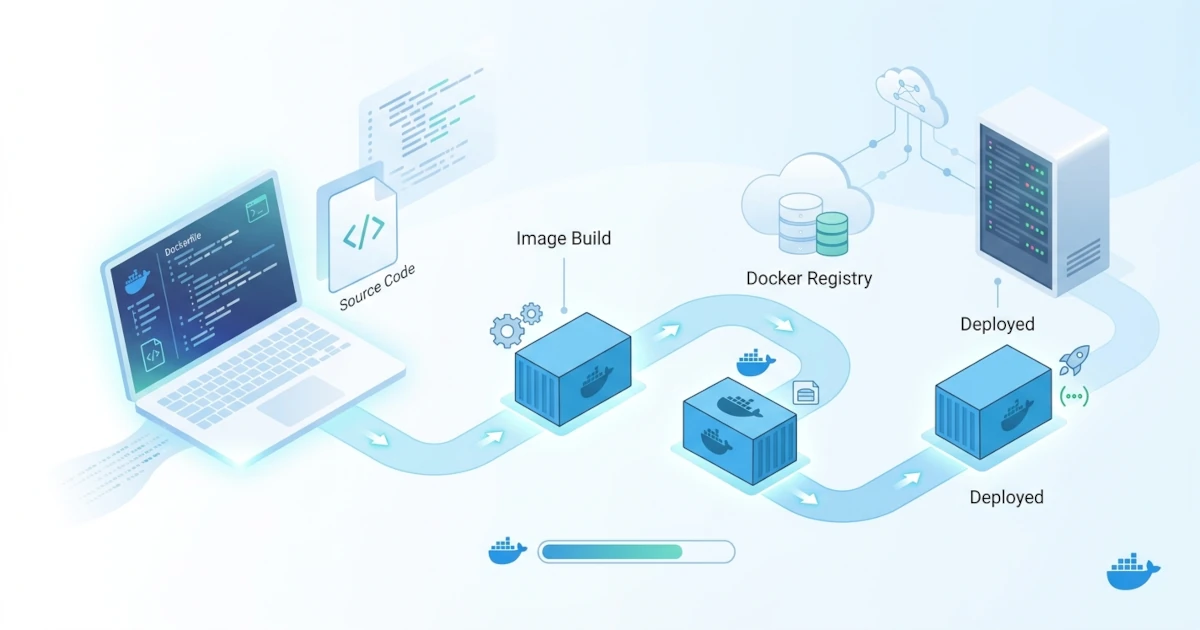
Running an application inside a container when production is finished is one thing, but making containers the day-to-day workflow environment for Developers is a distinct challenge. If every code change requires a new docker build and docker run cycle, development iterations become slow, making Docker feel like an obstacle rather than a helper. This chapter discusses how to structure a development workflow that remains fast even while running the application inside containers, covering custom development compose configurations, debugging processes inside containers, hot reload mechanisms so code changes reflect instantly without rebuilding, and best practices to maintain consistency between development and production environments.
41.1 Setting Up a Development Environment with Docker Compose
Container configuration requirements during development and production are almost always different. During development, we want the source code mounted directly from the host so file changes are instantly visible inside the container, debugger ports remain open, and development build tools (such as nodemon or other watchers) stay active. In production, the opposite applies: images must be self-contained without relying on host files, without open debugging ports, and running optimized production processes. This section covers two official Docker Compose approaches to separate these requirements without configuration duplication.
41.1.1 Compose Override for Development Configurations
Docker Compose supports merging multiple configuration files simultaneously, where subsequently declared files override or add to definitions in preceding files. By default, running docker compose without the -f option in a directory containing both compose.yaml and compose.override.yaml causes Compose to automatically read and merge both files. This pattern is ideal for separating core configuration (applicable to all environments) from development-specific adjustments.
Prepare compose.yaml as an environment-neutral core definition.
services:
  web:
    build: .
    ports:
      - "3000:3000"
    depends_on:
      - db

  db:
    image: postgres:16
    environment:
      - POSTGRES_PASSWORD=secret
    volumes:
      - db-data:/var/lib/postgresql/data

volumes:
  db-data:
Then add compose.override.yaml containing development-specific adjustments, such as source code bind mounts and startup command overrides for development mode.
services:
  web:
    volumes:
      - ./src:/app/src
    command: npm run dev
    environment:
      - NODE_ENV=development
Run docker compose up as usual without extra options; Compose automatically merges both files above for the development environment. When deploying to production, explicitly use a different override file via the -f option, for example docker compose -f compose.yaml -f compose.production.yaml up -d, ensuring development configurations like source code bind mounts are not carried over to production.
41.1.2 Automatic Code Synchronization with Compose Watch
Bind mounts are sufficient for synchronizing source code files into the container instantly, but certain scenarios cannot be handled by bind mounts alone, such as when a changed file (like package.json) should trigger an image rebuild rather than a simple file sync. Docker Compose version 2.22 and above provides the Compose Watch feature via the develop.watch configuration to handle these scenarios precisely.
services:
  web:
    build: .
    command: npm run dev
    develop:
      watch:
        - action: sync
          path: ./src
          target: /app/src
          ignore:
            - node_modules/
        - action: rebuild
          path: package.json
The configuration above instructs Compose to perform two distinct actions depending on which file changes. Changes within the ./src directory (excluding node_modules/) are directly synced to /app/src inside the container without a restart, whereas changes to package.json trigger docker compose to rebuild the image automatically, as it usually signifies new dependencies that need installation. Run watch mode using the --watch flag.
docker compose up --watchIn addition to sync and rebuild, the sync+restart action is available for cases like configuration file changes that need to be synced and then trigger a container restart (without rebuilding the image), ideal for files like nginx.conf that are only re-read upon process restart. Compared to regular bind mounts, Compose Watch is more explicit about the desired action per file pattern, eliminating guesswork for teams regarding why one file change requires a restart while another does not.
41.2 Debugging Containers in Development
Bind mounts and hot reloading solve iteration speed issues, but inspecting application state during development still requires specific debugging techniques because the application runs isolated inside container namespaces. This section covers quick debugging via Docker CLI commands and connecting interactive debuggers from an editor to processes running inside a container.
41.2.1 Quick Debugging via exec and Logs
For issues that do not require breakpoints, combining docker compose logs and docker compose exec is usually sufficient. Monitor real-time logs from a specific service using the -f (follow) flag so new output appears as it is generated.
docker compose logs -f webIf you need to inspect conditions inside a running container directly, such as active environment variables or mounted file contents, use docker compose exec to run commands without creating a new container.
docker compose exec web shIn practice, checking logs and inspecting container interiors via exec is significantly faster than assuming application code is buggy, especially for issues actually caused by incorrect environment variable configurations or improperly mounted files.
41.2.2 Attaching Remote Debuggers to Processes Inside Containers
For debugging that requires breakpoints, step-through execution, and interactive variable inspection from an editor, the process inside the container must run in debug mode with a dedicated port exposed. This port is then published to the host so external editors can connect. The Node.js runtime provides a built-in --inspect flag for this purpose.
services:
  web:
    build: .
    command: node --inspect=0.0.0.0:9229 src/index.js
    ports:
      - "3000:3000"
      - "127.0.0.1:9229:9229"
Two distinct addresses are used in this configuration and can easily be confused. The address in --inspect=0.0.0.0:9229 determines which interface inside the container the debugger process listens on; this must be set to 0.0.0.0 rather than Node.js's default 127.0.0.1, because Docker port publishing forwards connections from outside the container, and those connections can only reach processes listening on all interfaces, not just internal container loopback. Conversely, the address in the port mapping 127.0.0.1:9229:9229 determines which host interface receives the published port; restricting it to 127.0.0.1 ensures the debugger port is accessible only from the host machine itself, not external networks, following standard security practices for debugger ports in any language. Once the container is running, connect the editor (e.g., via a "Attach to Node Process" launch configuration in VS Code) to localhost:9229.
For Python applications, the same pattern applies using Microsoft's debugpy package.
python -m debugpy --listen 0.0.0.0:5678 --wait-for-client app.pyThe --wait-for-client flag forces the Python process to wait until the debugger connects before beginning execution, useful for catching issues occurring right at startup. Port 5678 is mapped to the host following the same pattern as 9229 above, restricted to 127.0.0.1. Regardless of language, the principle remains constant: the debugger process inside the container listens on all interfaces (0.0.0.0) so Docker port publishing can reach it, but port publishing to the host is restricted to 127.0.0.1 to prevent network exposure, and debug configurations must never be included in production images.
41.3 Hot Reloading in Containers
Hot reloading makes source code changes immediately visible without manual restarts or image rebuilds. The core principle is straightforward: source code is synchronized into the container via bind mounts or Compose Watch, and a watcher tool running inside the container detects file changes to automatically restart or reload the application process. This section examines this principle further and its application to compiled languages like Go, which have different requirements compared to interpreted languages.
41.3.1 Hot Reload Principles: Bind Mounts and Application Watchers
Hot reload inside containers consists of two distinct mechanisms that are frequently confused. The first layer is file synchronization from host to container, handled by bind mounts or Compose Watch. The second layer is the application-level watcher, a tool running inside the container that monitors file changes to trigger process reloading, such as nodemon for Node.js or built-in reloader tools in frameworks like Django and Flask for Python.
Both layers must function correctly for hot reload to work. Bind mounts without an application watcher only update files inside the container without triggering process reloads; conversely, an application watcher without bind mounts will never detect changes because files inside the container never update. The most common cause of non-working hot reload is rarely a complete failure of either layer, but rather application watchers using polling mechanisms incompatible with mounted filesystems, particularly when running Docker via Docker Desktop on macOS or Windows across host-VM filesystems. If native filesystem event watchers (like inotify on Linux) fail to detect changes on mounted files via Docker Desktop, enabling explicit polling mode in the watcher configuration (such as CHOKIDAR_USEPOLLING=true for chokidar-based tools common in modern JavaScript dev servers) provides a cross-platform solution.
41.3.2 Hot Reload for Compiled Languages
Compiled languages like Go lack interpreters capable of executing changed source code directly; source code must be recompiled into binaries before execution. Watcher tools for compiled languages operate using a different pattern: monitoring file changes, triggering build steps, and restarting the resulting binary automatically. Community tools like Air handle this watch-build-restart cycle automatically inside development containers, with full configuration details covered in the Golang case study chapter.
The key workflow understanding is that this watch-build-restart cycle is much faster than running docker build every time source code changes, because Go binary compilation occurs directly inside the running container (without rebuilding image layers from scratch, including unchanged dependency layers). The trade-off is that development images for compiled languages typically require full compiler toolchains (unlike minimal base images like scratch or distroless used in production), as source code compilation occurs within the container.
41.4 Development Best Practices
Iteration speed gains from bind mounts, Compose Watch, and hot reload can create problems if development environments drift too far from production, or if convenient development practices unintentionally reach production. The following table summarizes key practices for maintaining fast workflows while preserving consistency and security.
| Practice | Reason |
|---|---|
| Use identical base images for development and production, varying only target stages in multi-stage builds | Prevents "works on my machine, fails in production" bugs caused by differing runtime or OS base image versions |
Explicitly separate development compose files (compose.override.yaml or custom files like compose.dev.yaml) from production compose files | Ensures source code bind mounts, debugger ports, and development tools are not carried over into production images or configurations |
Avoid hardcoding credentials in compose.yaml, utilizing .env files listed in .gitignore | Leaked development credentials in repositories are often accidentally reused across other environments |
When publishing debugger ports (e.g., 9229 or 5678) via -p, restrict the host binding to 127.0.0.1 even if the debugger process listens on 0.0.0.0 inside the container | Unauthenticated debugger ports exposed to external networks allow attackers to perform remote code execution |
Clean up accumulated development containers and images periodically via docker compose down and docker system prune; intentionally remove old volumes using -v (as they are not deleted automatically), since development database volumes may still be needed for data debugging | Accumulated development environments with stale containers and images cause false bugs due to outdated state, while accidental volume deletion removes test data that is difficult to recreate |
The unifying principle behind these practices is straightforward: maximum flexibility to accelerate development iteration is encouraged, provided boundaries between development and production configurations remain distinct and are never swapped accidentally. A fast workflow that breaks upon production deployment merely shifts the problem rather than solving it.