
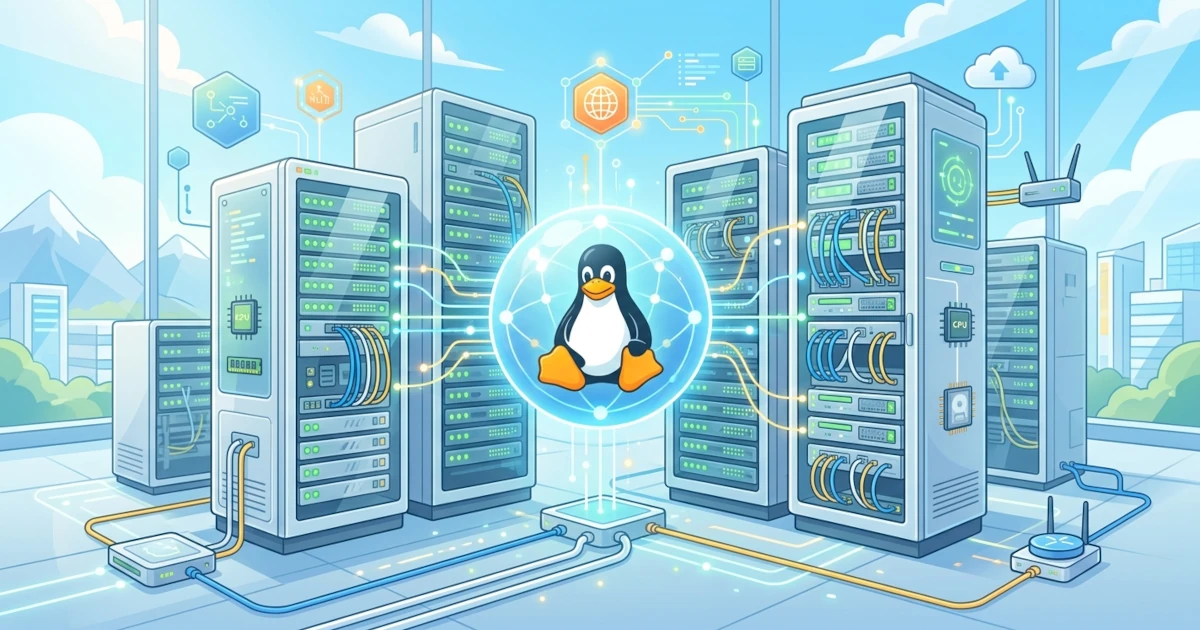
Imagine we have just been transferred from the frontend team to the infrastructure team. Until now, our laptop displayed a complete desktop environment: wallpaper, application dock, and a browser that was always open. As soon as we enter the first production server via SSH, the only thing welcoming us is a blank command line without a single icon. Nothing is wrong. In fact, that is where we begin entering the true server world, a world that prioritizes efficiency and stability above all else.
This chapter serves as the foundation before we move on to installation and technical configuration in subsequent chapters. We will understand why Linux servers are built with a different philosophy than desktops, Linux's position in today's server and cloud ecosystem, what sets Ubuntu Server apart from Ubuntu Desktop, and the important changes brought by Ubuntu Server 26.04 LTS.
1. Fundamental Differences: Server vs Desktop
Desktop prioritizes the convenience of the human sitting directly in front of it. Servers, on the other hand, serve many clients simultaneously, often without a single person physically sitting in front of their screen. This difference in purpose gives rise to significant architectural differences.
1.1 Headless Administration
Servers generally run without a GUI (Graphical User Interface), a condition commonly referred to as headless. Sysadmins manage the server entirely via the command line through SSH, rather than using a mouse and application windows. This approach is not a limitation, but a conscious choice. A server without a GUI consumes less RAM and CPU because it does not need to render a graphical interface. Consequently, Sysadmins can allocate all resources to services that Users and Visitors actually need, such as web servers or databases.
1.2 Uptime, Stability, and Resource Efficiency as Priorities
While we can restart a desktop at any time without major consequences, a production server has a different story. Every time a server running a Developer's application shuts down or restarts unexpectedly, Visitors accessing the website can instantly see an error page. Therefore, the following three aspects are the top priorities in server management:
- Uptime: how long the server remains powered on and serving without interruption, often used as an indicator of service reliability.
- Stability: consistency in performance and minimal crashes or unexpected behavior, especially when running heavy workloads for long periods.
- Resource efficiency: utilizing RAM, CPU, and storage as efficiently as possible, because every wasted resource means inflating operational costs.
We will continuously encounter these three priorities in almost all topics throughout this book, from service selection and firewall configuration to backup strategies.
2. The Role of Linux in the Server and Cloud World
Linux is not merely one of several server operating system options, but rather the backbone of most digital infrastructure we use daily. Some of its main roles include:
- Web hosting: the majority of global web servers, whether running Nginx or Apache, operate on Linux due to its stability and resource efficiency.
- Database: Sysadmins generally run engines like PostgreSQL and MySQL/MariaDB on Linux for long-term performance and reliability.
- Containers: technologies like Docker utilize Linux kernel features (namespaces and cgroups) as their foundation, making containers essentially "native children" of Linux.
- Cloud infrastructure: major cloud providers like AWS, Azure, and GCP rely on Linux as the basis for instances offered to customers, including for their own managed services.
This dominance is no coincidence. The open-source nature of Linux allows anyone to audit, modify, and optimize the system according to their needs, something difficult to achieve with closed operating systems. Furthermore, zero licensing fees make Linux a rational choice when dealing with scales of thousands to millions of servers.
3. Ubuntu Server vs Ubuntu Desktop
Ubuntu Server and Ubuntu Desktop actually share the same system base, but they target different usage scenarios. A Sysadmin used to using Ubuntu Desktop on a personal laptop will find several key differences when logging into Ubuntu Server for the first time.
3.1 Default Package Differences
Ubuntu Desktop comes with a full GNOME desktop environment alongside office applications, browsers, and various graphical utilities. Conversely, Ubuntu Server includes only a minimal set of packages relevant to server roles, featuring no GUI at all by default. The installation footprint is lighter, the attack surface is smaller, and the boot process is significantly faster because it does not need to load graphical components.
3.2 Release Cycle and Support
Both Ubuntu Server and Ubuntu Desktop follow the same release cycle: regular releases every six months and LTS (Long Term Support) releases every two years. For production environments, Sysadmins almost always choose the LTS version due to its much longer support period: 5 years of standard support, extensible up to 10 years by enabling Ubuntu Pro. For instance, Ubuntu Server 26.04 LTS (Resolute Raccoon), which serves as the reference for this series, receives standard security support until April 2031, and up to April 2036 with Ubuntu Pro.
Here is a summary comparing the two:
| Aspect | Ubuntu Server | Ubuntu Desktop |
|---|---|---|
| Default interface | No GUI (headless) | Full GNOME |
| Target users | Sysadmins, DevOps, production services | Individual users, workstations |
| Initial installation size | Minimal | Relatively large |
| Installation method | Subiquity (server installer) | Desktop graphical installer |
| Primary focus | Stability, uptime, resource efficiency | Everyday convenience and productivity |
4. What's New in Ubuntu 26.04 LTS for Servers
Ubuntu Server 26.04 LTS introduces several fundamental changes compared to previous LTS releases. Some of these will have an immediate impact once we begin hands-on practice in subsequent chapters.
4.1 Linux Kernel 7.0 and systemd 259
Ubuntu 26.04 LTS runs on Linux kernel 7.0, a major version bump from kernel 6.8 used in Ubuntu 24.04 LTS. This new kernel brings enhanced support for modern hardware alongside various I/O performance improvements. Alongside it, Ubuntu 26.04 LTS also includes systemd 259 as the init system and service manager, a version that forms the basis of much of our discussion in Chapter 5.
4.2 Removal of cgroup v1 Support
One of the most impactful changes for Sysadmins managing legacy workloads is the complete removal of cgroup v1 support in systemd for this release. All resource management now relies entirely on cgroup v2. For those just starting out, this is not a major issue as new installations automatically use cgroup v2. However, for teams migrating from older servers, we must double-check workload compatibility before upgrading, a topic we will discuss in greater detail in Chapter 5. In the field, the most common symptom of this issue is a service failing to start with an error message referencing cgroup version 1, typically originating from legacy container images or deployment scripts that have not been updated for cgroup v2.
4.3 sudo-rs as the Default
sudo-rs is a re-implementation of classic sudo written in Rust, and it is now default in Ubuntu Server 26.04 LTS. Canonical replaced classic sudo primarily for memory safety. Rust enforces memory safety natively, enabling the language to eliminate classes of vulnerabilities such as buffer overflows, a classic risk that has historically plagued C-based software. We will cover configuration details and differences from classic sudo in Chapter 4.
4.4 rust-coreutils as Base Utilities
In addition to sudo-rs, everyday core utilities like ls, cp, and cat now also use a Rust-based implementation known as rust-coreutils (developed from the uutils project). Behaviorally, the majority of commands remain compatible with the GNU coreutils versions we already know, meaning Sysadmins accustomed to earlier Ubuntu releases do not need to relearn command usage from scratch. This change occurs purely at the internal implementation level for security reasons, not at the day-to-day user experience level.
To verify the kernel version running on our server, we can check it using the following command after completing the installation in Chapter 2.
uname -rThe command above will display the active kernel version, for example 7.0.0-generic on a fresh installation of Ubuntu Server 26.04 LTS.
5. Summary
- Linux servers prioritize uptime, stability, and resource efficiency, unlike desktops which prioritize direct user convenience.
- Linux serves as the backbone of modern web hosting, databases, containers, and cloud infrastructure due to its open-source nature and efficiency.
- Ubuntu Server differs from Ubuntu Desktop mainly in default packages (no GUI) while maintaining the same LTS support cycle: 5 years standard, up to 10 years with Ubuntu Pro.
- Ubuntu Server 26.04 LTS brings Linux kernel 7.0, systemd 259, removal of cgroup v1, as well as Rust-based core utilities including
sudo-rsandrust-coreutils.
Having understood the big picture of the Linux server world, we are ready to move on to Chapter 2 to begin hands-on installation of Ubuntu Server 26.04 LTS from scratch.