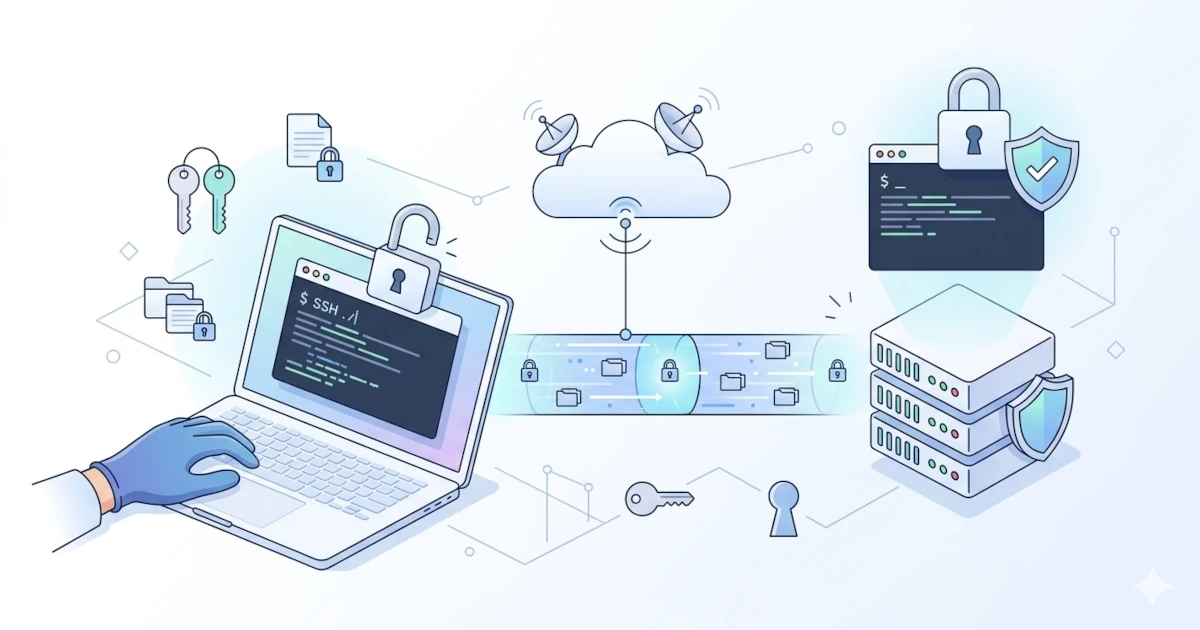
A System Administrator (SysAdmin), DevOps, or Developer is required to manage servers from anywhere and at any time. Often, problems arise when you have to use multiple devices, for example, switching between office PCs, personal laptops, and smartphones while traveling, yet SSH configurations, passwords, and keys remain unsynchronized. Addressing this challenge, Termius emerges as a modern, multi-platform SSH client application.
What is Termius?
Termius is an SSH and SFTP client application that supports various operating systems, ranging from Windows, macOS, and Linux to mobile platforms such as iOS and Android. This application is not merely designed as a standard terminal but rather as a productivity and team collaboration tool. It is no surprise that tech giants like Apple, Amazon, and Microsoft trust Termius for managing their infrastructure.
Key Features
- Multi-Platform Support and Cloud Synchronization (Encrypted Vault)
One of Termius' main strengths is its ecosystem. Host configurations, IP addresses, passwords, and SSH keys are stored within an Encrypted Vault system. This means that when you add server credentials on a Windows or Linux laptop, the data automatically synchronizes and becomes instantly accessible via the Termius app on Android or iPhone. - All-in-One: Integrated SSH, Telnet, Mosh, and SFTP
Unlike traditional approaches where you might use PuTTY for SSH and FileZilla/WinSCP for file transfers, Termius combines everything into a single window. Its built-in graphical user interface (GUI) for SFTP makes it easy to drag-and-drop or copy-paste files between local storage and remote servers without the hassle of typing terminal commands. - AI-Powered Snippets and Autocomplete
For users who frequently type the same commands or shell scripts repeatedly, Termius offers a Snippets feature. You can save these scripts and execute them across multiple servers with just one click. In its latest version, Termius even introduces AI-powered Autocomplete that can predict and suggest commonly used terminal commands or directory paths. - Team Collaboration Features (Multiplayer)
The official website emphasizes Enterprise-level teamwork capabilities. You can create Shared Vaults to share server access with team members. When a new employee joins, you simply grant vault access without having to directly share passwords or private keys. Termius also features real-time terminal session sharing with colleagues for collaborative troubleshooting. - High-Level Security
Beyond End-to-End Encryption, Termius supports biometric authentication (FaceID/TouchID on mobile devices/Mac), FIDO2 hardware keys, Agent Forwarding, and holds SOC 2 Type II compliance certification, making it highly secure for large-scale infrastructure.
Pricing and Licensing
- Termius Starter (Free): Highly capable for basic usage. Supports SSH, local SFTP, basic host management, port forwarding, and applies to server management on a single local device (without cloud synchronization).
- Paid Versions (Pro, Team, Business): Unlocks unlimited-device cloud synchronization, Snippets, Autocomplete, team collaboration features, and integrations with AWS/DigitalOcean.
- Free for Students: Through the GitHub Student Developer Pack program, students and scholars can access premium Termius features at no cost.
Pros and Cons
Based on user reviews from platforms such as G2, Capterra, and Reddit, here is a summary of Termius' strengths and weaknesses:
Pros:
- Minimalist and Modern Interface (UI/UX): Far more elegant and user-friendly compared to classic terminal applications. Offers theme and font customization.
- Practical Credential Management: Its built-in Keychain feature greatly simplifies generating and exporting Public Keys directly to servers.
- High Mobility: Its mobile apps (iOS/Android) run very smoothly, rescuing many SysAdmins who need to remotely access servers in emergencies when they don't have their laptops handy.
- Easy Migration: Users can easily import old configurations from PuTTY, SecureCRT, MobaXterm, or ~/.ssh/config files.
Cons:
- Subscription-Based Pricing Model: Many individual users (especially homelab enthusiasts) complain about the lack of a one-time purchase license option. Key features like cloud synchronization are locked behind subscription packages that can be quite premium-priced for individual users.
- SFTP Sorting: Some users note that the SFTP feature can sometimes be slow when loading thousands of files within a single directory, and its file sorting options (e.g., by most recent date) could still be improved.
Conclusion
Termius is a highly valuable application investment for companies, IT teams, DevOps engineers, and professional SysAdmins managing dozens to hundreds of servers across various devices. Its synchronization and collaboration capabilities drastically reduce work time and simplify workflows. However, if you are merely a casual user or simply managing a home server (homelab) with one or two devices, Termius' Starter (Free) version is more than sufficient to meet your needs.