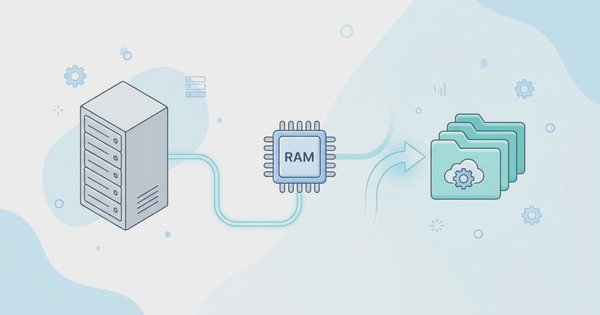
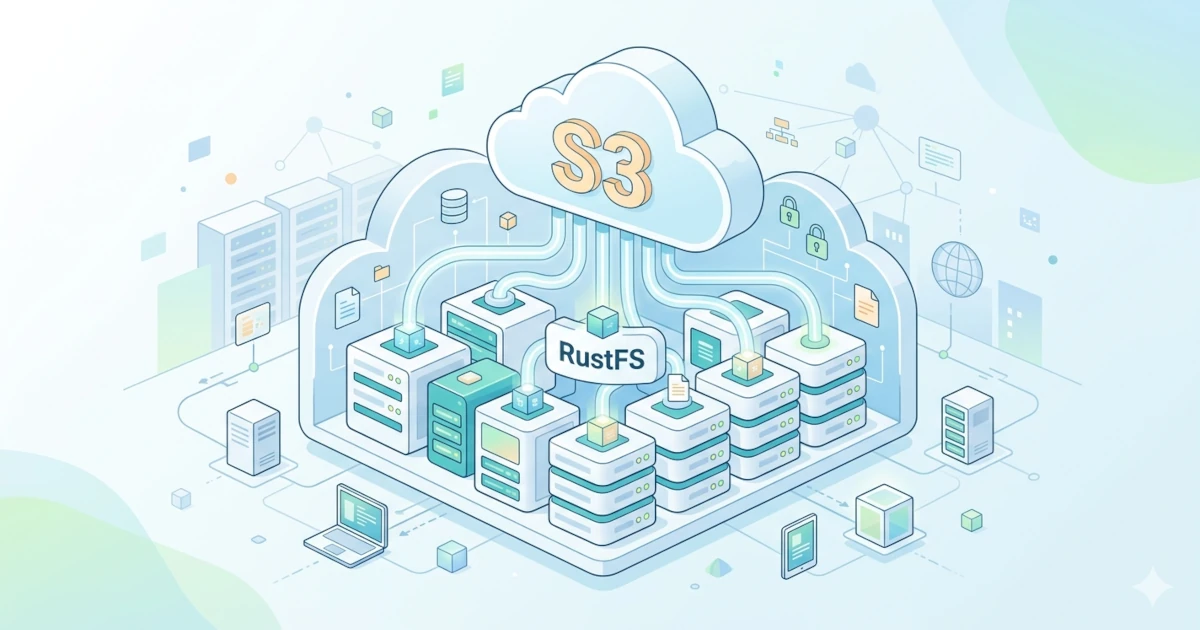
Object storage adalah sistem penyimpanan data yang mengelola informasi sebagai object independen, bukan sebagai file dalam hierarki folder atau blok dalam storage tradisional. Setiap object berisi data itu sendiri, metadata deskriptif, dan unique identifier (key) yang memungkinkan akses langsung.
Object storage sangat cocok untuk kebutuhan modern seperti:
- Menyimpan data unstructured (gambar, video, log, backup)
- Big data dan data lake
- Cloud-native applications
- Disaster recovery dan archiving
Keunggulan utamanya: skalabilitas horizontal, durabilitas tinggi, dan akses via API standar seperti S3.
Pengenalan RustFS
RustFS adalah distributed object storage system berkinerja tinggi yang dikembangkan dengan bahasa Rust. RustFS menggabungkan kesederhanaan dengan efisiensi, menawarkan solusi open-source dan gratis yang cocok untuk private cloud deployment.
Berikut fakta kunci RustFS:
- 100% S3 Compatible: Integrasi mulus dengan ekosistem big data, data lakes, backup solutions, dan media processing workflows.
- Dibangun dengan Rust: Memanfaatkan memory safety dan zero-cost abstractions untuk performa setara C/C++ dengan jaminan keamanan modern.
- Apache 2.0 License: Commercial-friendly, aman untuk integrasi bisnis tanpa batasan lisensi restriktif.
- Cross-Platform: Berjalan native di Linux, Windows, macOS, Docker, dan edge gateways.
- Cloud-Native: Optimized untuk lingkungan terkontainerisasi (Docker, Kubernetes).
RustFS dikembangkan oleh komunitas engineer global dan sedang bertransisi dari akar komersial ke model fully open-source, dengan misi mendemokratisasi penyimpanan berkinerja tinggi.
Fitur RustFS
Berikut fitur utama RustFS yang membuatnya layak dipertimbangkan:
| Fitur | Deskripsi |
|---|---|
| S3 Compatible | Kompatibel penuh dengan protokol S3, integrasi mudah dengan tools seperti MinIO Client, AWS SDK, dan aplikasi pihak ketiga. |
| Distributed Architecture | Skalabilitas horizontal untuk memenuhi kebutuhan storage yang beragam. |
| Enterprise-Ready | Lisensi Apache v2.0, aman dan fleksibel untuk integrasi komersial. |
| High Performance | Dibangun dengan Rust, performa mendekati C/C++ dengan "memory safety modern. |
| Secure by Design | Mengurangi kerentanan keamanan umum berkat memory safety Rust. |
| Cross-Platform | Berjalan di Windows, macOS, Linux, dan Docker. |
| Extensible | Mendukung arsitektur plugin untuk adaptasi kebutuhan bisnis spesifik. |
| Customizable | Sifat open-source memungkinkan kustomisasi mendalam dan pengembangan plugin. |
| Cloud-Native | Optimized untuk deployment via Docker/Kubernetes. |
Mode Instalasi
Sebelum instalasi, pahami tiga mode deployment RustFS:
- Single Node Single Disk (SNSD)
- 1 server + 1 disk data
- Cocok untuk: testing, development, atau workload non-kritis
- ⚠️ Tidak ada redundansi data; backup manual sangat disarankan
- Single Node Multiple Disk (SNMD)
- 1 server + beberapa disk
- Cocok untuk: small production dengan kebutuhan redundansi dasar
- Data didistribusikan antar disk dengan Erasure Coding
- Multiple Node Multiple Disk (MNMD)
- Beberapa server + beberapa disk per node
- Cocok untuk: production enterprise dengan kebutuhan high availability, skalabilitas, dan keamanan data maksimal
- Mendukung distributed Erasure Coding dan auto-healing
💡Untuk tutorial ini, kita fokus pada mode SNSD sebagai langkah awal yang paling sederhana.
Hardware Requirements
Test Environment
| Komponen | Spesifikasi Minimum |
|---|---|
| CPU | 1 core+ |
| Arsitektur | x86, ARM |
| Memory | 1 GB+ |
| Storage | HDD atau SSD |
| Network | Lokal / Offline |
| OS | Windows, Linux, macOS |
| Nodes | 1 |
Production Enironment
| Komponen | Spesifikasi Rekomendasi |
|---|---|
| CPU | 2 x 12 cores+ |
| Arsitektur | x86, ARM, RISC-V, dll |
| Memory | 64 GB+ |
| Storage | SSD/NVMe direkomendasikan |
| Network | 10 Gbps+ |
| OS | Linux (direkomendasikan) |
| Load Balancing | Direkomendasikan |
| Nodes | 4+ |
💡 Untuk performa optimal, gunakan NVMe SSD dan pastikan sinkronisasi waktu (NTP) aktif di semua node.
Terbatas: Vultr Bagi-Bagi Kredit $300 gratis!
Ambil Kredit $300 SekarangSoftware Requirements
Operating System
- Linux kernel 4.x+ (direkomendasikan 5.x/6.x untuk I/O dan network performance lebih baik)
- Distro yang diuji: Ubuntu 22.04, RHEL 8.x
Binary & Dependencies
- wget atau curl untuk download binary
- unzip untuk ekstraksi paket instalasi
- systemd untuk manajemen service (Linux)
File System & Disk
- Gunakan XFS untuk semua disk storage. RustFS dikembangkan dan diuji dengan XFS untuk stabilitas dan performa optimal.
- Format disk dengan opsi rekomendasi:
sudo mkfs.xfs -i size=512 -n ftype=1 -L RUSTFS0 /dev/sdb- Mount dengan opsi performa:
LABEL=RUSTFS0 /data/rustfs0 xfs defaults,noatime,nodiratime 0 0- ⚠️ Jangan gunakan NFS sebagai backend storage RustFS karena isu phantom writes dan lock contention.
User & Security
- Buat user khusus tanpa hak login untuk menjalankan service RustFS:
sudo groupadd -r rustfs-user
sudo useradd -M -r -g rustfs-user rustfs-user
sudo chown rustfs-user:rustfs-user /data/rustfs*- Konfigurasi firewall untuk membuka port 9000 (API) dan 9001 (Console):
# UFW
sudo ufw allow 9000/tcp
sudo ufw allow 9001/tcp
sudo ufw enable

# FirewallD
sudo firewall-cmd --zone=public --add-port=9000/tcp --permanent
sudo firewall-cmd --zone=public --add-port=9001/tcp --permanent
sudo firewall-cmd --reload
Install RustFS Single Node Single Disk
1. Download & Install Binary
wget https://dl.rustfs.com/artifacts/rustfs/release/rustfs-linux-x86_64-musl-latest.zip
unzip rustfs-linux-x86_64-musl-latest.zip
chmod +x rustfs
sudo mv rustfs /usr/local/bin/
2. Buat Direktori Storage & Log
sudo mkdir -p /data/rustfs0 /var/logs/rustfs /opt/tls
sudo chmod -R 750 /data/rustfs* /var/logs/rustfs
3. Konfigurasi Environment Variables
Buat file /etc/default/rustfs:
RUSTFS_ACCESS_KEY=rustfsadmin
RUSTFS_SECRET_KEY=rustfsadmin
RUSTFS_VOLUMES="/data/rustfs0"
RUSTFS_ADDRESS=":9000"
RUSTFS_CONSOLE_ENABLE=true
RUST_LOG=error
RUSTFS_OBS_LOG_DIRECTORY="/var/logs/rustfs/"
🔐 Ganti RUSTFS_ACCESS_KEY dan RUSTFS_SECRET_KEY dengan secure key untuk production!
Generate key 32 karakter:
openssl rand -hex 164. Konfigurasi Systemd Service
Buat file /etc/systemd/system/rustfs.service:
[Unit]
Description=RustFS Object Storage Server
Documentation=https://rustfs.com/docs/
After=network-online.target
Wants=network-online.target

[Service]
Type=notify
NotifyAccess=main
User=rustfs-user
Group=rustfs-user
WorkingDirectory=/usr/local
EnvironmentFile=-/etc/default/rustfs
ExecStart=/usr/local/bin/rustfs $RUSTFS_VOLUMES

LimitNOFILE=1048576
LimitNPROC=32768
TasksMax=infinity

Restart=always
RestartSec=10s
OOMScoreAdjust=-1000
SendSIGKILL=no
TimeoutStartSec=30s
TimeoutStopSec=30s

NoNewPrivileges=true
ProtectHome=true
PrivateTmp=true
PrivateDevices=true
ProtectClock=true
ProtectKernelTunables=true
ProtectKernelModules=true
ProtectControlGroups=true
RestrictSUIDSGID=true
RestrictRealtime=true

StandardOutput=append:/var/logs/rustfs/rustfs.log
StandardError=append:/var/logs/rustfs/rustfs-err.log

[Install]
WantedBy=multi-user.target
5. Start & Verifikasi Service
sudo systemctl daemon-reload
sudo systemctl enable --now rustfs
sudo systemctl status rustfs
Verifikasi port aktif:
sudo netstat -ntpl | grep 900Akses RustFS Console via browser:
http://<IP_SERVER>:9001Login dengan ACCESS_KEY dan SECRET_KEY yang telah dikonfigurasi.
Nginx Reverse Proxy
Untuk produksi, gunakan Nginx sebagai reverse proxy untuk:
- Load balancing
- SSL/TLS termination
- URL routing (API vs Console)
Contoh konfigurasi /etc/nginx/conf.d/rustfs.conf:
upstream rustfs {
   least_conn;
   server 127.0.0.1:9000;
}

upstream rustfs-console {
   least_conn;
   server 127.0.0.1:9001;
}

# S3 API Endpoint
server {
   listen 80;
   server_name YOUR_DOMAIN;

   ignore_invalid_headers off;
   client_max_body_size 0;
   proxy_buffering off;
   proxy_request_buffering off;

   location / {
      proxy_set_header Host $http_host;
      proxy_set_header X-Real-IP $remote_addr;
      proxy_set_header X-Forwarded-For $proxy_add_x_forwarded_for;
      proxy_set_header X-Forwarded-Proto $scheme;

      proxy_connect_timeout 300;
      proxy_http_version 1.1;
      proxy_set_header Connection "";
      chunked_transfer_encoding off;

      proxy_pass http://rustfs;
   }
}

# Console Web UI
server {
   listen 8080;
   server_name YOUR_DOMAIN;

   ignore_invalid_headers off;
   client_max_body_size 0;
   proxy_buffering off;
   proxy_request_buffering off;

   location / {
      proxy_set_header Host $http_host;
      proxy_set_header X-Real-IP $remote_addr;
      proxy_set_header X-Forwarded-For $proxy_add_x_forwarded_for;
      proxy_set_header X-Forwarded-Proto $scheme;

      proxy_connect_timeout 300;
      proxy_http_version 1.1;
      proxy_set_header Connection "";
      chunked_transfer_encoding off;

      proxy_pass http://rustfs-console;
   }
}
Aktifkan konfigurasi:
sudo nginx -t
sudo systemctl reload nginx
💡 Untuk multi-node deployment, tambahkan server ke blok upstream dan gunakan DNS/load balancer eksternal.
Bucket Creation
Bucket adalah kontainer logis untuk menyimpan object. Berikut cara membuatnya:
Via RustFS Console (UI)
- Login ke http://<IP>:9001
- Klik Create Bucket di pojok kanan atas
- Masukkan nama bucket (harus unik global) → klik Create
Via MinIO Client (mc)
mc adalah CLI tool populer untuk mengelola storage S3-compatible.
Instalasi mc
wget https://dl.min.io/client/mc/release/linux-amd64/mc
chmod +x mc
sudo mv mc /usr/local/bin/
Konfigurasi Alias RustFS
mc alias set rustfs http://12.34.56.78:9000 rustfsadmin rustfsadminMembuat bucket baru
mc mb rustfs/nama-bucket-andaVia API (curl)
curl --location --request PUT 'http://12.34.56.78:9000/nama-bucket-anda' \
--header 'Authorization: AWS4-HMAC-SHA256 Credential=... (sesuaikan)' \
--header 'X-Amz-Date: ...' \
--header 'X-Amz-Content-Sha256: e3b0c44298fc1c149afbf4c8996fb92427ae41e4649b934ca495991b7852b855'
Object Upload
Setelah bucket tersedia, Anda bisa mengunggah object (file):
Via RustFS Console
- Pilih bucket target
- Klik Upload File/Folder
- Pilih file dari lokal → Start Upload
Via MinIO Client (mc)
mc cp /path/to/file.txt rustfs/nama-bucket-andaVia API (curl)
curl --location --request PUT 'http://12.34.56.78:9000/nama-bucket-anda/file.txt' \
--header 'Content-Type: text/plain' \
--header 'Authorization: AWS4-HMAC-SHA256 ...' \
--header 'X-Amz-Date: ...' \
--header 'X-Amz-Content-Sha256: ...' \
--data-binary '@/path/to/file.txt'
Penutup
RustFS menawarkan solusi object storage modern yang ringan, aman, dan kompatibel penuh dengan ekosistem S3. Dengan arsitektur berbasis Rust, RustFS menggabungkan performa tinggi dan memory safety, kombinasi langka di dunia open-source storage. Untuk deployment produksi, pertimbangkan mode Multiple Node Multiple Disk dengan konfigurasi Erasure Coding, monitoring, dan backup strategy yang matang. Selalu uji skenario failure dan pastikan disaster recovery plan Anda siap.